Recipient
You are paid through TALANT Tech
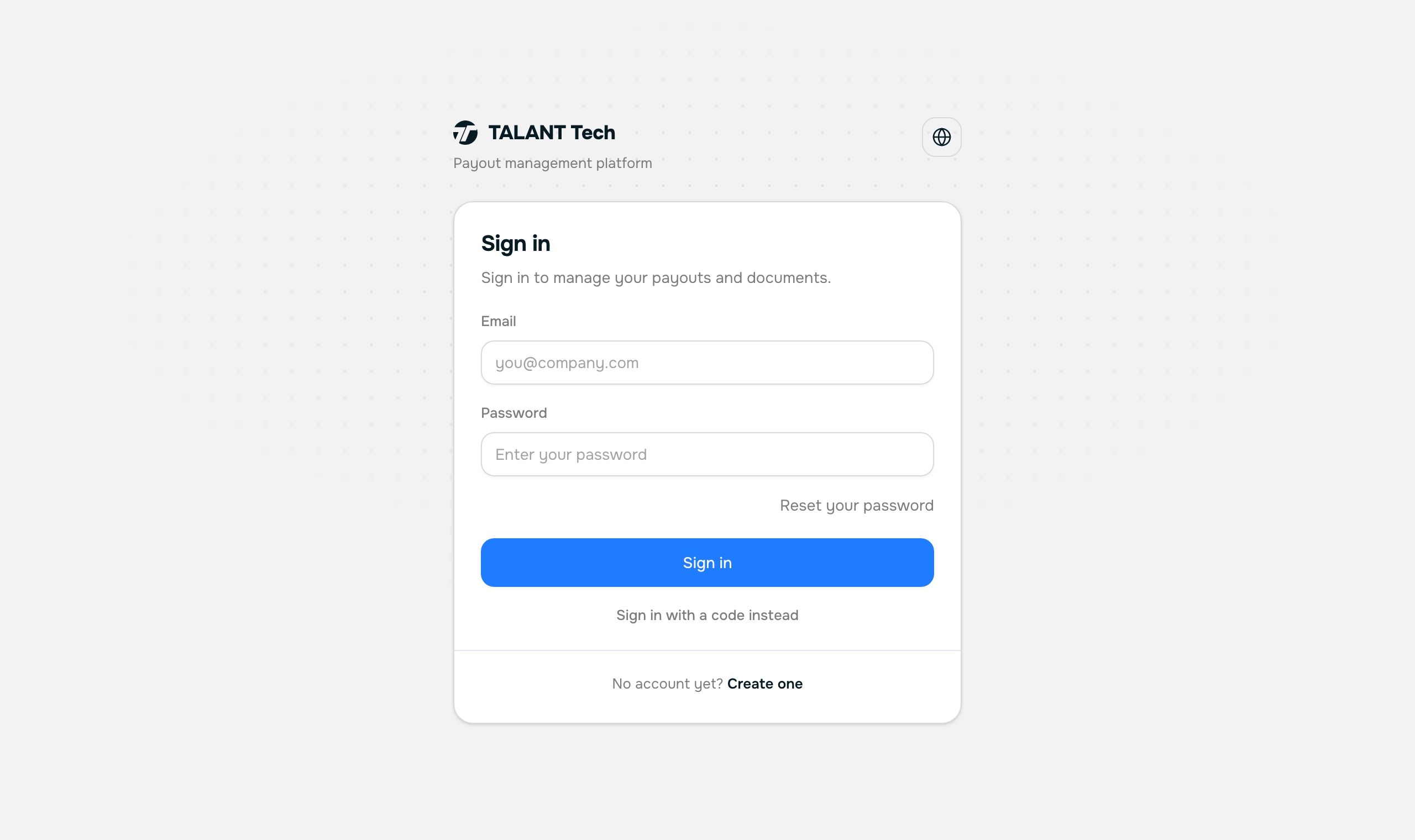
Your path is short: accept the invitation, verify your identity, and say where the money should go. After that the account is only there for looking at payouts and documents.
Step 1/5
Accept the invitation
Open the link from your employer's email and choose a password. The email address is already filled in — it is the one the message reached.
We create a recipient account for you. It is yours, not your employer's: they cannot see your password and cannot sign in as you.
Your account: payouts, identity, payment details, documents.
Step 2/5
Verify your identity
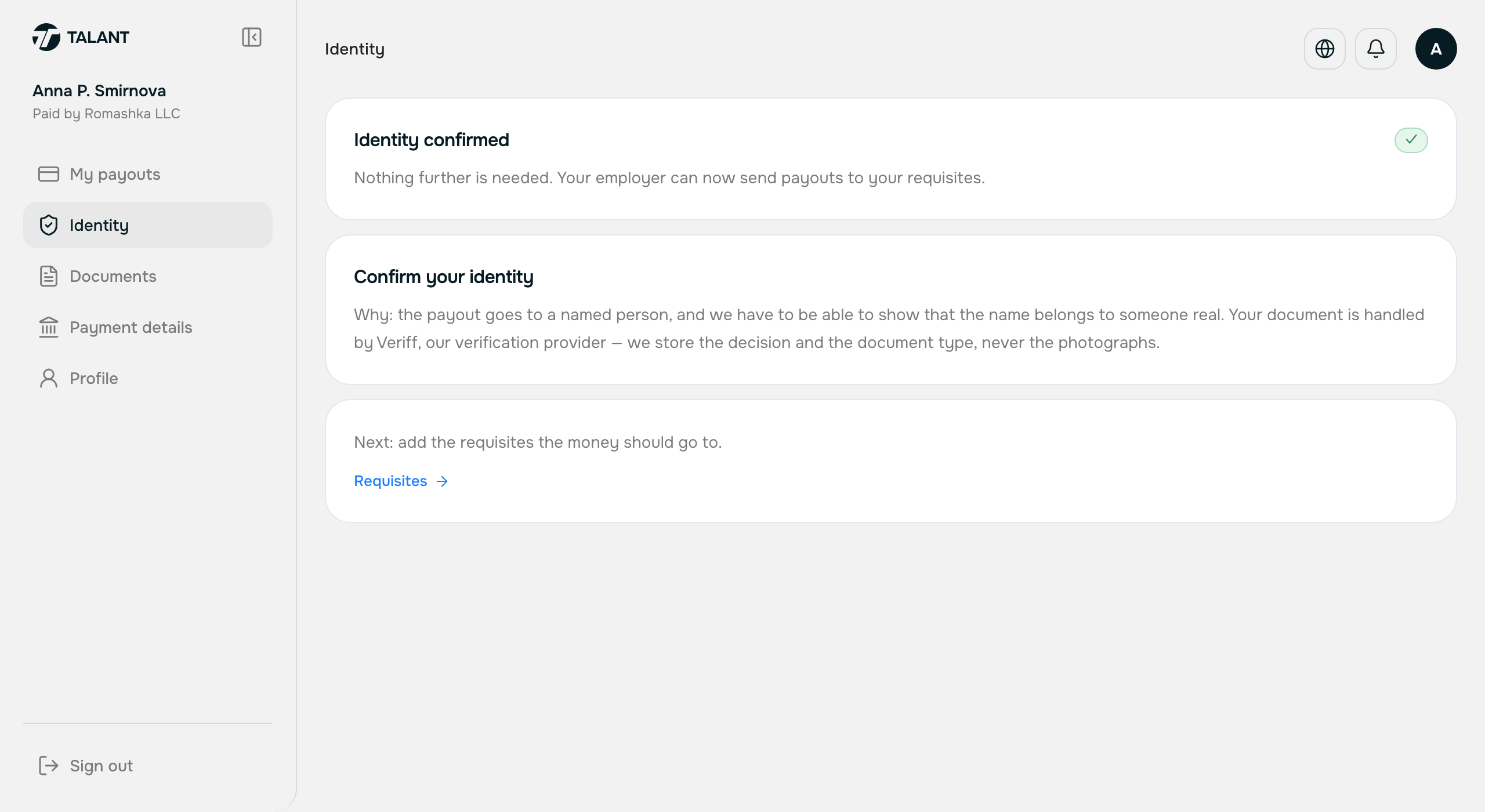
talant.tech/account/me/identity
«Verify identity» opens a Veriff tab: photograph your ID document and your face. Two minutes, done once.
We receive the result and show it to you and to your employer — they see that your identity is confirmed, not what you confirmed it with.
Payment details.
Step 3/5
Add your payment details
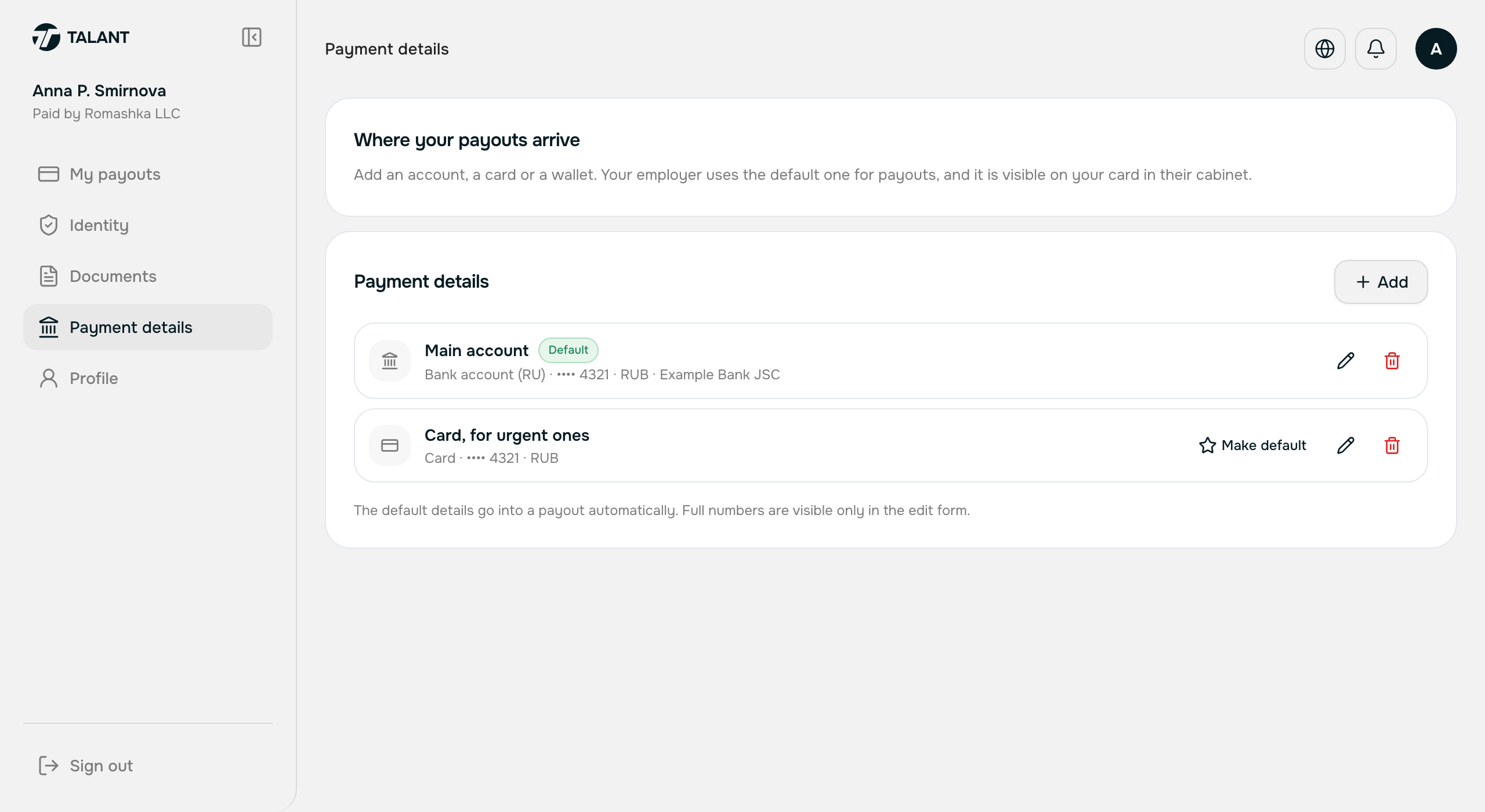
talant.tech/account/me/requisites
Add where the money should go: an account, a card, a fast-payment number or a crypto wallet — whatever suits you. More than one is fine.
Your employer sees the same details on your card and picks between them when paying.
That is everything. Now you wait for a payout.
Step 4/5
Receive a payout
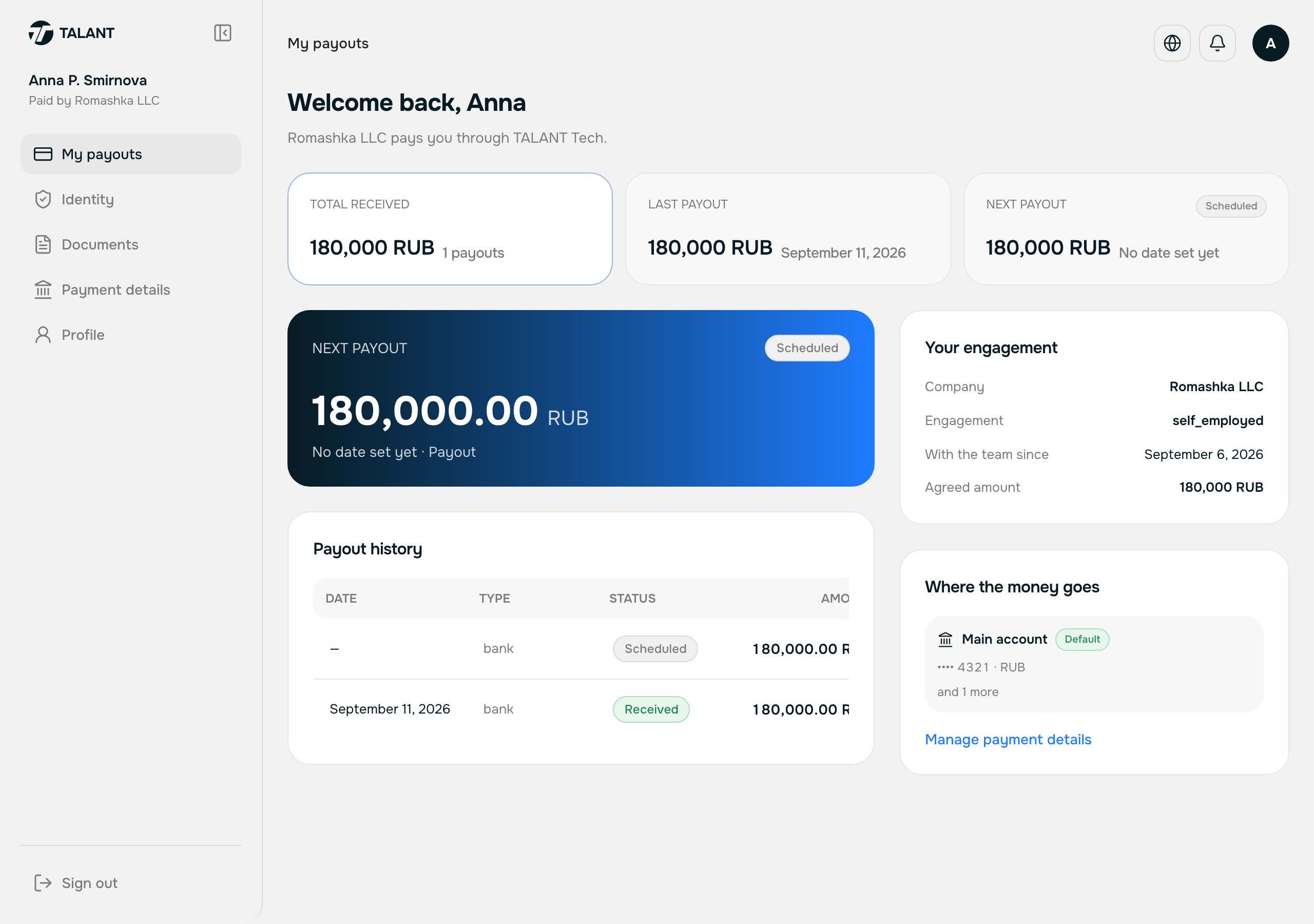
talant.tech/account/me
Nothing. Your employer files the payout.
We show you every payout: how much, under which contract, and what state it is in.
Step 5/5
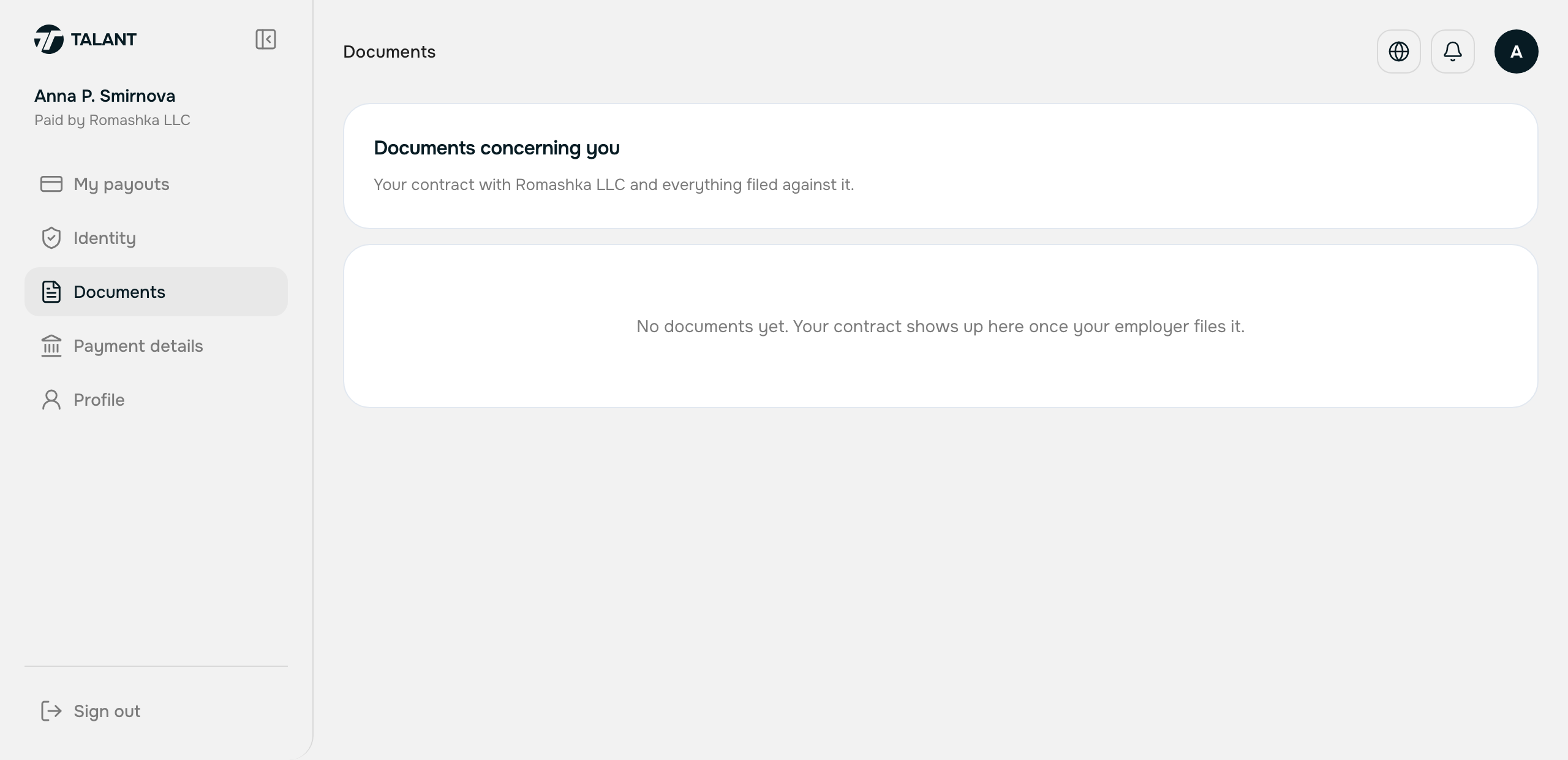
Documents
talant.tech/account/me/documents
Read and download the documents that name you.
We file the paperwork for your contract here.
Stuck?
Message your manager on Telegram — @mihailgolikov1 — or write to [email protected]. The same contacts sit in the right-hand column of every screen in your account.